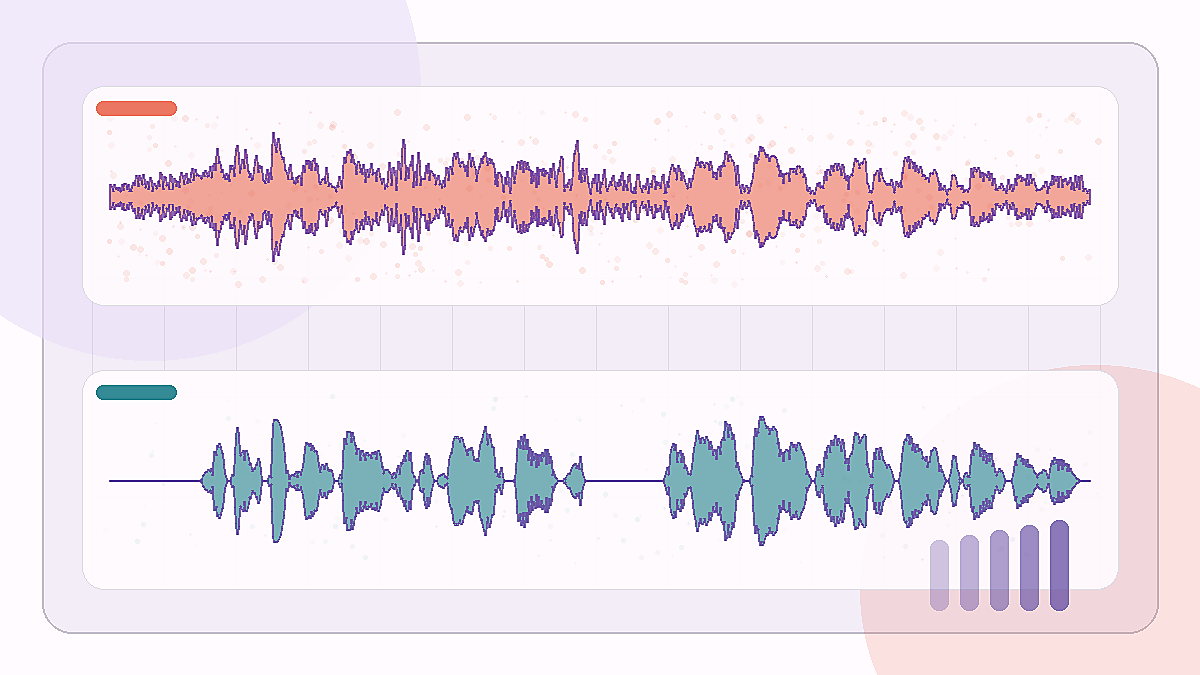
SNR lift: +15.0 dB
Bus-noise speech cleanup
A low-SNR bus clip where traffic-like rumble sits under the spoken sentence.
Noisy source
Isolated voice
Edinburgh noisy speech · bus 2.5 dB
Have an interview, call, lecture, podcast clip, field recording, or voice note where speech is hard to hear? Upload the audio and isolate the spoken voice into a cleaner MP3.
A voice isolator separates human speech from background noise in an audio recording. For spoken voice, use it on interviews, calls, lectures, podcasts, field recordings, or voice notes. For songs and music vocals, use a vocal remover or stem splitter instead.
For songs and music vocals, use Vocal Remover / Stem Splitter
Audio-only upload. 3 free minutes for eligible accounts. Credits are refunded if provider processing fails.
Sign in to process audio
You can choose a file and preview it here, but the Voice Isolator job starts only after sign-in because it uses paid GPU processing.
Original noisy recording
Isolated spoken voice
Four short noisy speech clips were processed with playmore/speech-enhancer on Replicate. Play each before and after pair to judge the cleanup.
A low-SNR bus clip where traffic-like rumble sits under the spoken sentence.
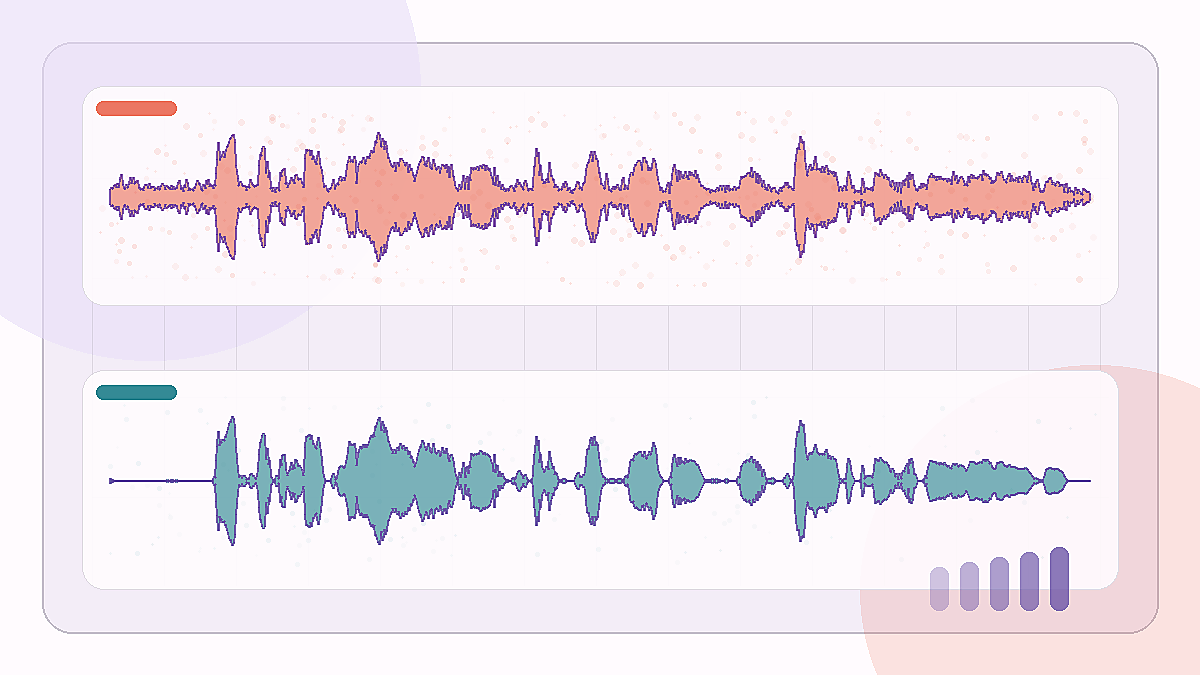
A cafe-background sample that tests whether speech stays intelligible after broad ambient noise is reduced.
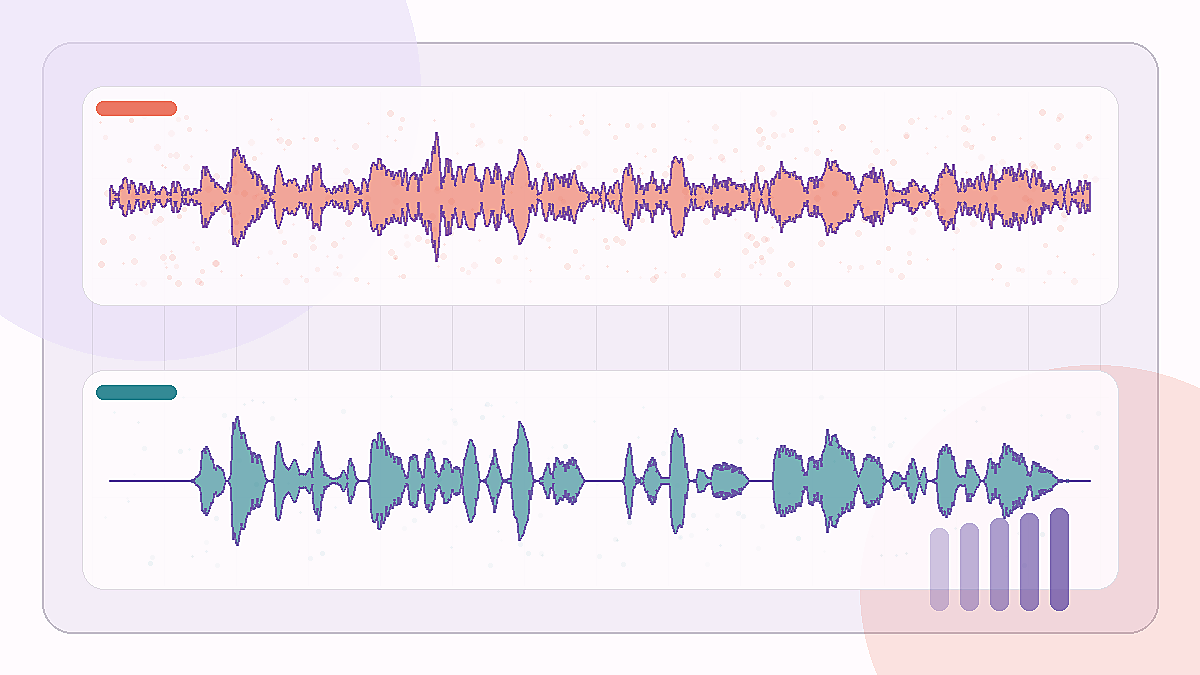
A difficult office-noise recording where the model has to keep the sentence while removing room texture.
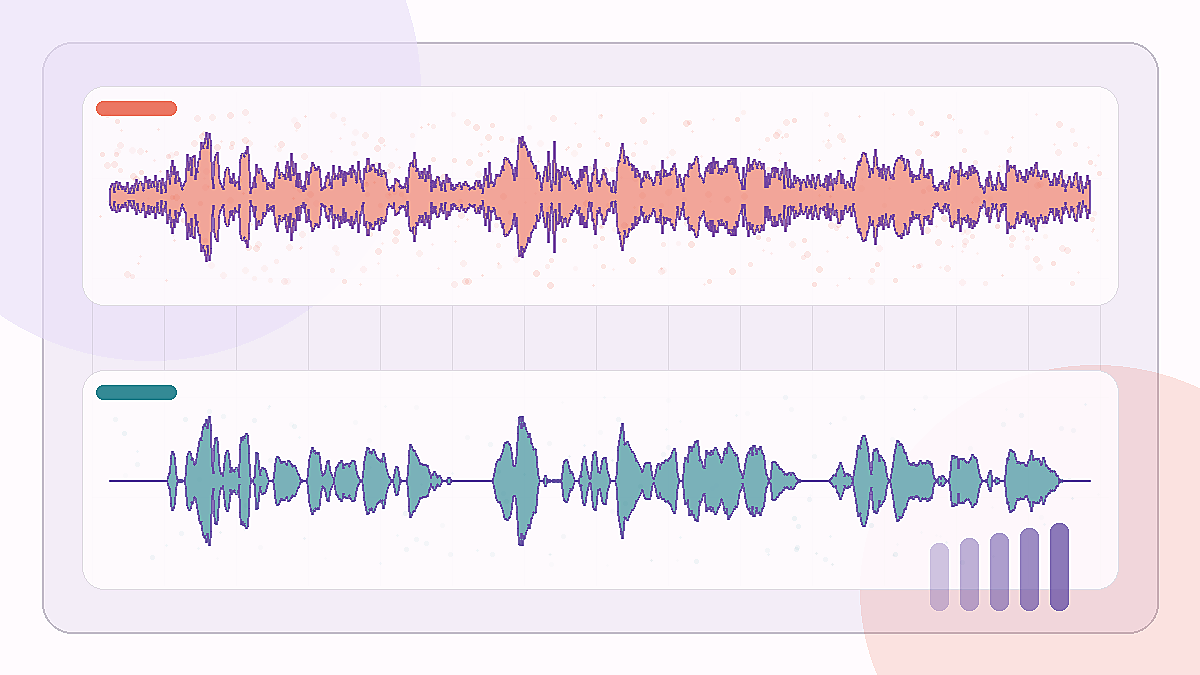
A longer public-square clip with heavy background noise around a single spoken voice.
Audio source: Cassia Valentini-Botinhao, Noisy speech database for training speech enhancement algorithms and TTS models, University of Edinburgh DataShare, CC BY 4.0. Enhanced outputs were generated with Replicate playmore/speech-enhancer.
Voice isolator searches mix two jobs: speech cleanup and music vocal removal. This page is for spoken voice in noisy recordings. If your source is a song, karaoke track, acapella request, or music vocal, use Vocal Remover instead.
Start with an audio file: MP3, WAV, FLAC, M4A, AAC, OGG, or WEBM. Voice Isolator v1 accepts files up to 50 MB and 600 seconds. Direct MP4 upload, URL fetching, and live microphone cleanup are outside this workflow.
Speech cleanup has to be heard. Use the before player for your original noisy recording, then compare it with the isolated spoken voice after processing. The side-by-side check helps you judge intelligibility, artifacts, and download readiness.
The result is one MP3 for the spoken voice, not a stem package, mixer session, or ZIP file. Use it for review, editing, transcription prep, podcast cleanup, or sharing a clearer version of a speech recording.
You can choose and preview a file on the page, but the cost-incurring job starts after sign-in. Voice Isolator uses 1 credit per source second. Provider submission, provider failure, and output finalization failures refund credits.
Voice Isolator is not real-time denoise for calls, OBS, Discord, Zoom, or Teams. It is not diarization, target-speaker extraction, forensic restoration, or overlapping-speaker separation. For video, extract the audio first, then upload the supported audio file.
This flow is separate from the music stem splitter. It sends the uploaded audio to Replicate playmore/speech-enhancer with the mossformer2_se_48k model, then finalizes the returned audio as an isolated-voice MP3 stored for download.
Voice Isolator extracts spoken voice from noisy recordings such as interviews, calls, lectures, podcasts, voice notes, and field audio. It is meant for speech cleanup, not music stem separation.
No. This page is for spoken voice in noisy recordings. For songs, music vocals, karaoke, acapella, remix, or stem workflows, use Vocal Remover or Stem Splitter instead.
V1 accepts audio files only: MP3, WAV, FLAC, M4A, AAC, OGG, and WEBM. Files must be 50 MB or smaller and no longer than 600 seconds.
Not in v1. Voice Isolator does not support direct MP4/video upload or URL fetching. If your source is video, extract the audio first and upload a supported audio file.
Voice Isolator uses the same audio rule as other processing flows: 1 credit equals 1 second of source audio. A 90-second recording uses 90 credits.
Provider submission, provider failure, and output finalization failures mark the job failed and refund the credits used for that recording. You can retry with the same or a cleaner audio export.
No. V1 is for enhancing spoken voice in noisy audio, not diarization, target-speaker extraction, forensic restoration, or separating multiple people talking over each other in one recording.
Upload audio, compare before and after, then download the isolated MP3.
Simple pay-as-you-go pricing